Mobile
Coming soonStelaWare Companion
Read your manuscript on your phone. Capture notes and ideas the moment they show up. Sync back to the desktop desk — Companion never silently changes your manuscript.
Home & projects
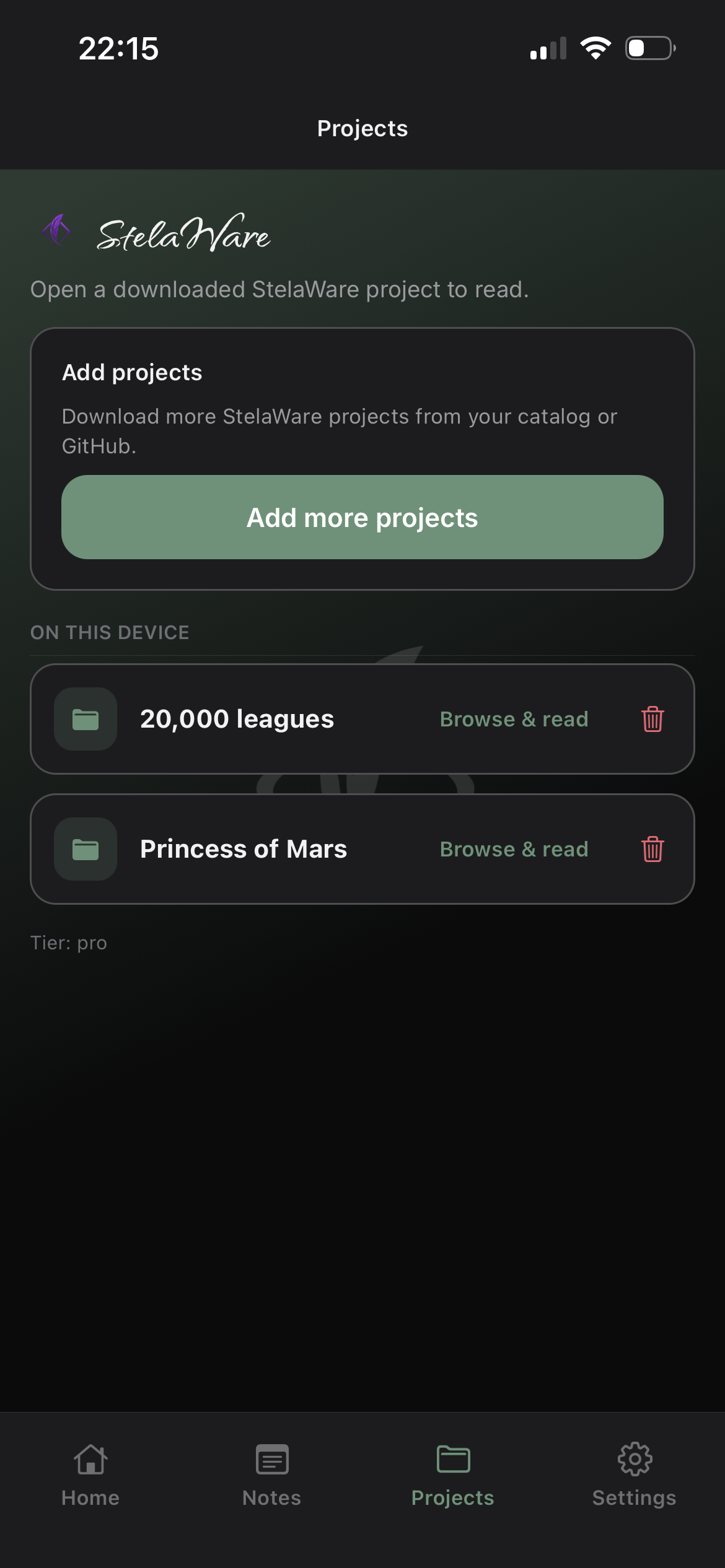
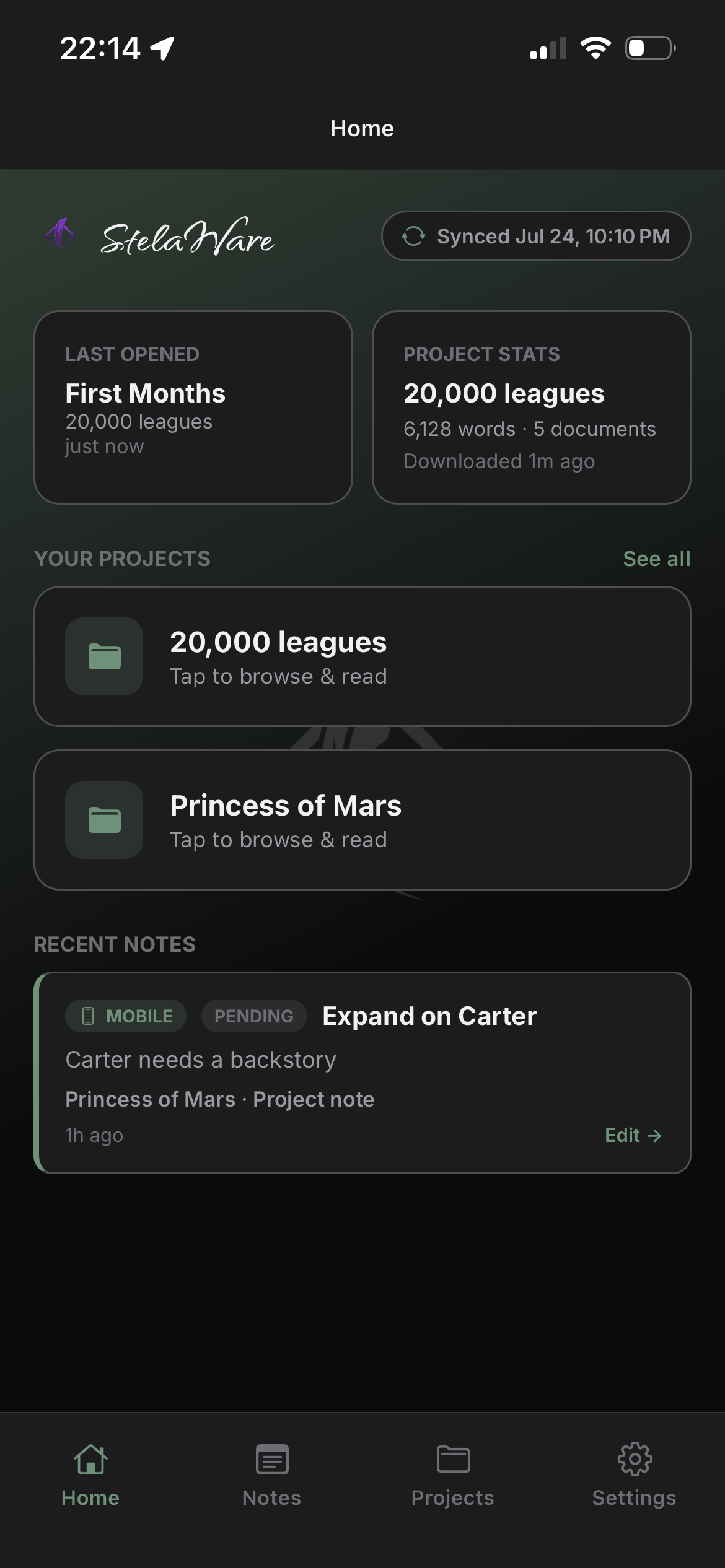
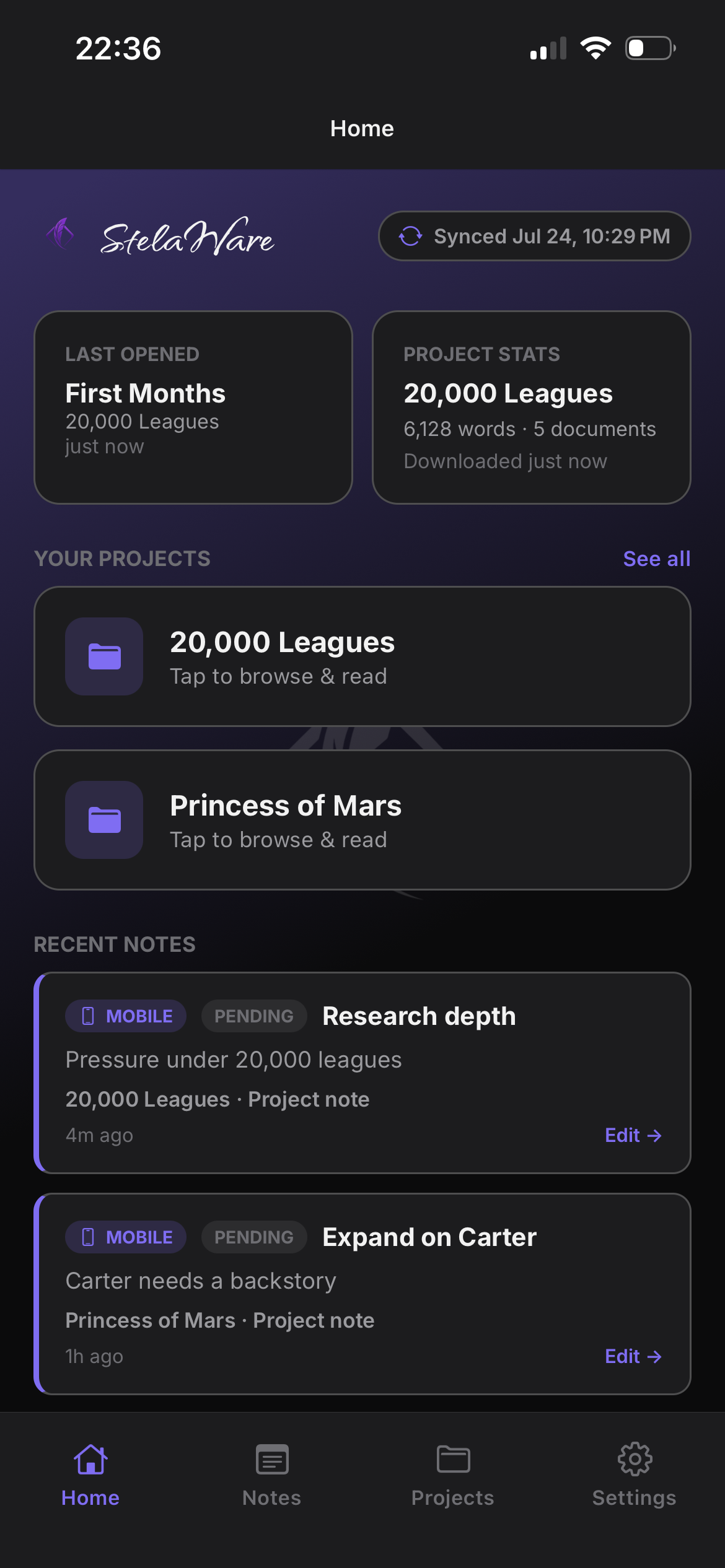
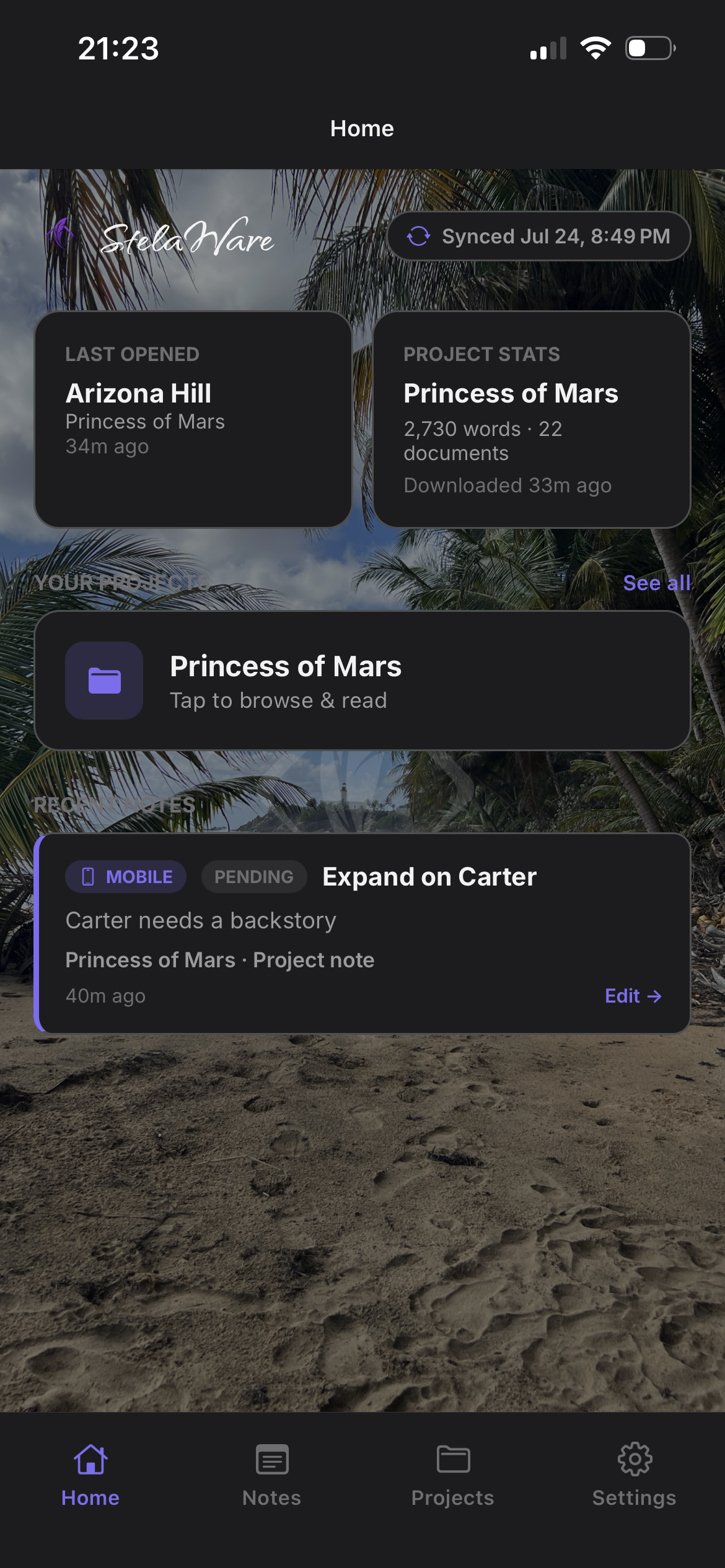
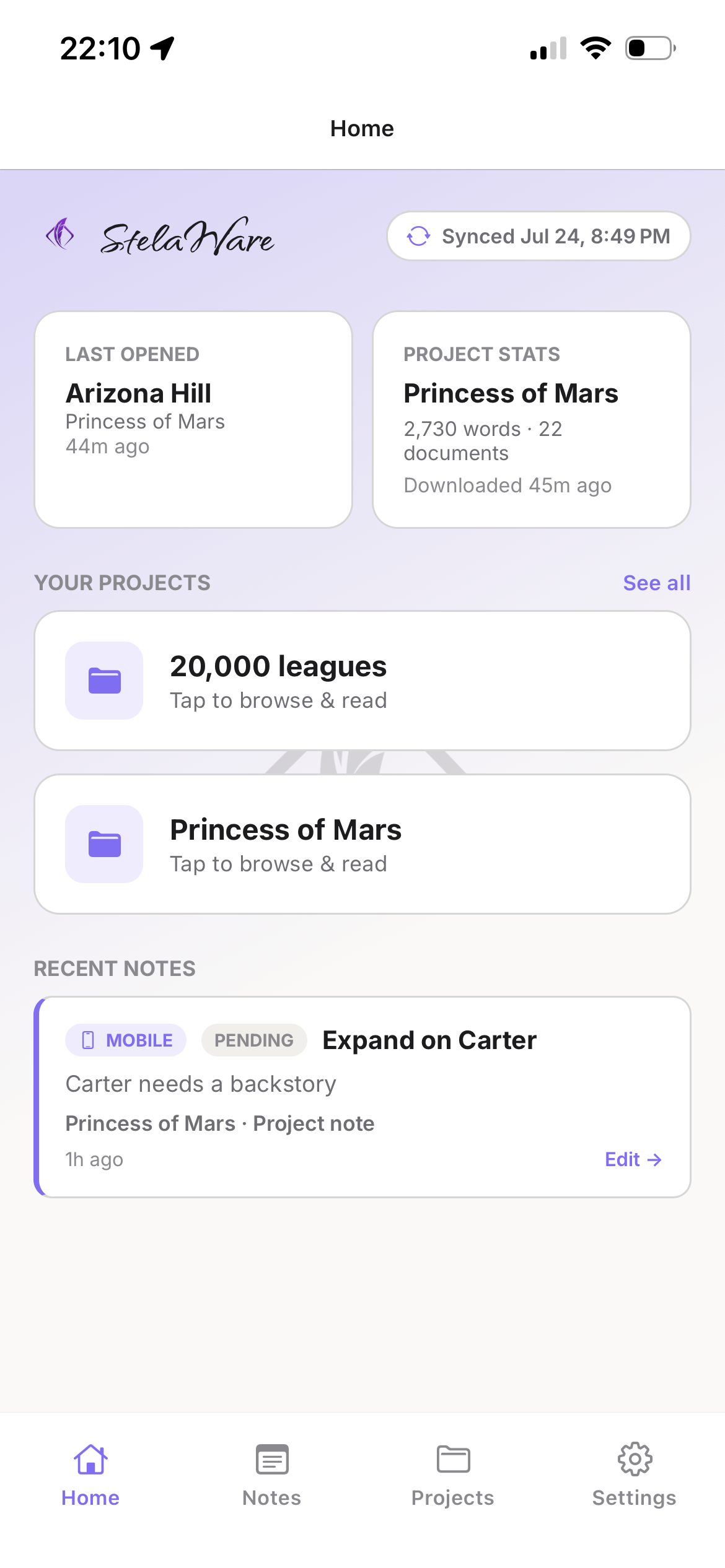
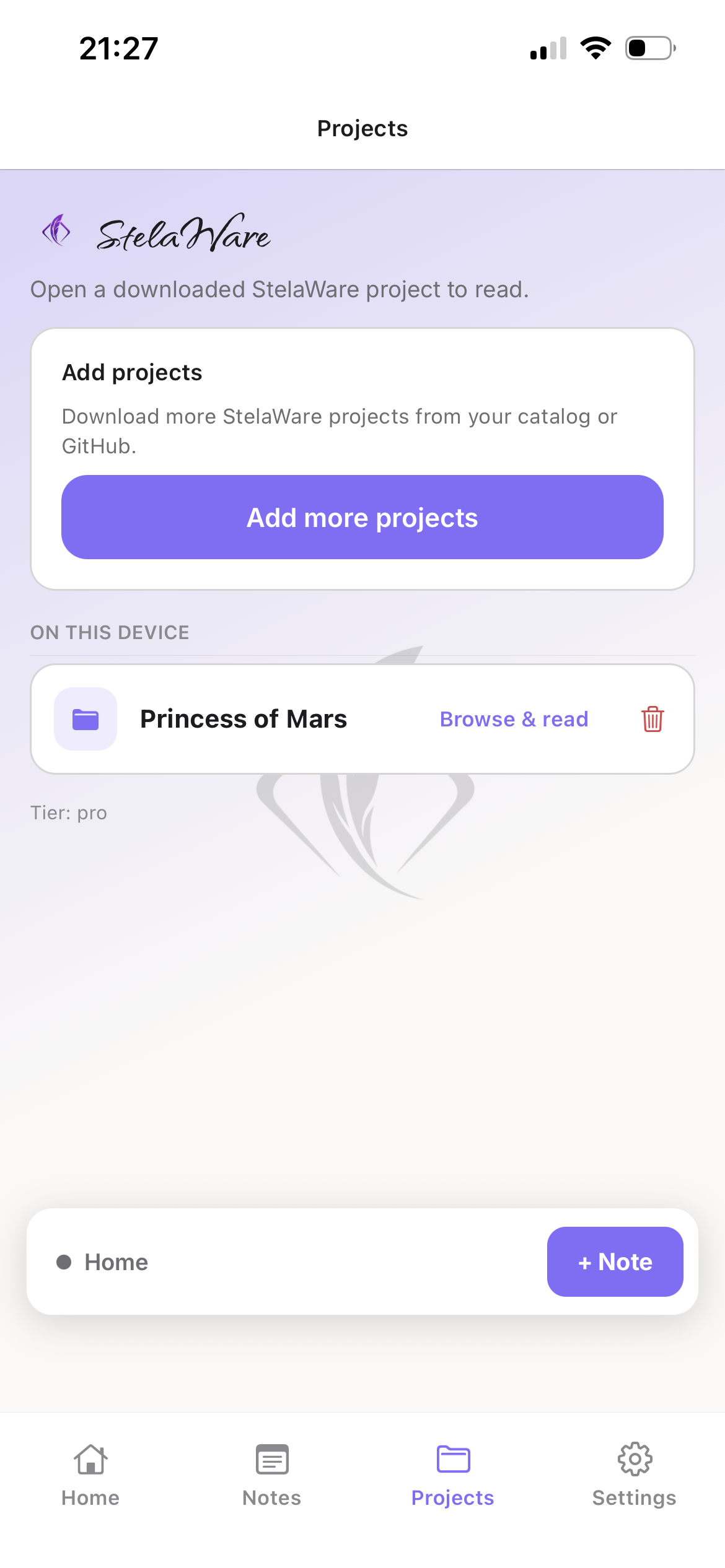
Your projects, ready on the phone
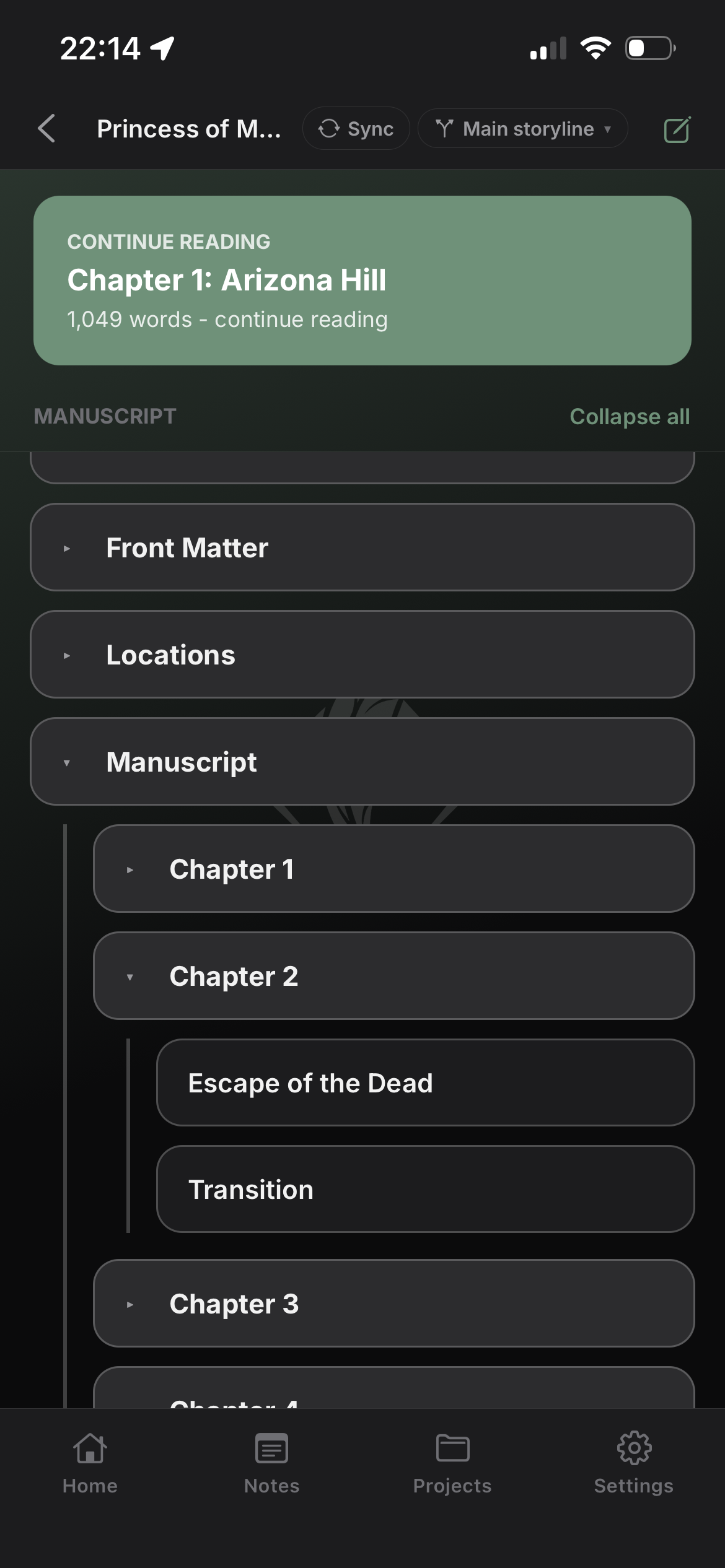
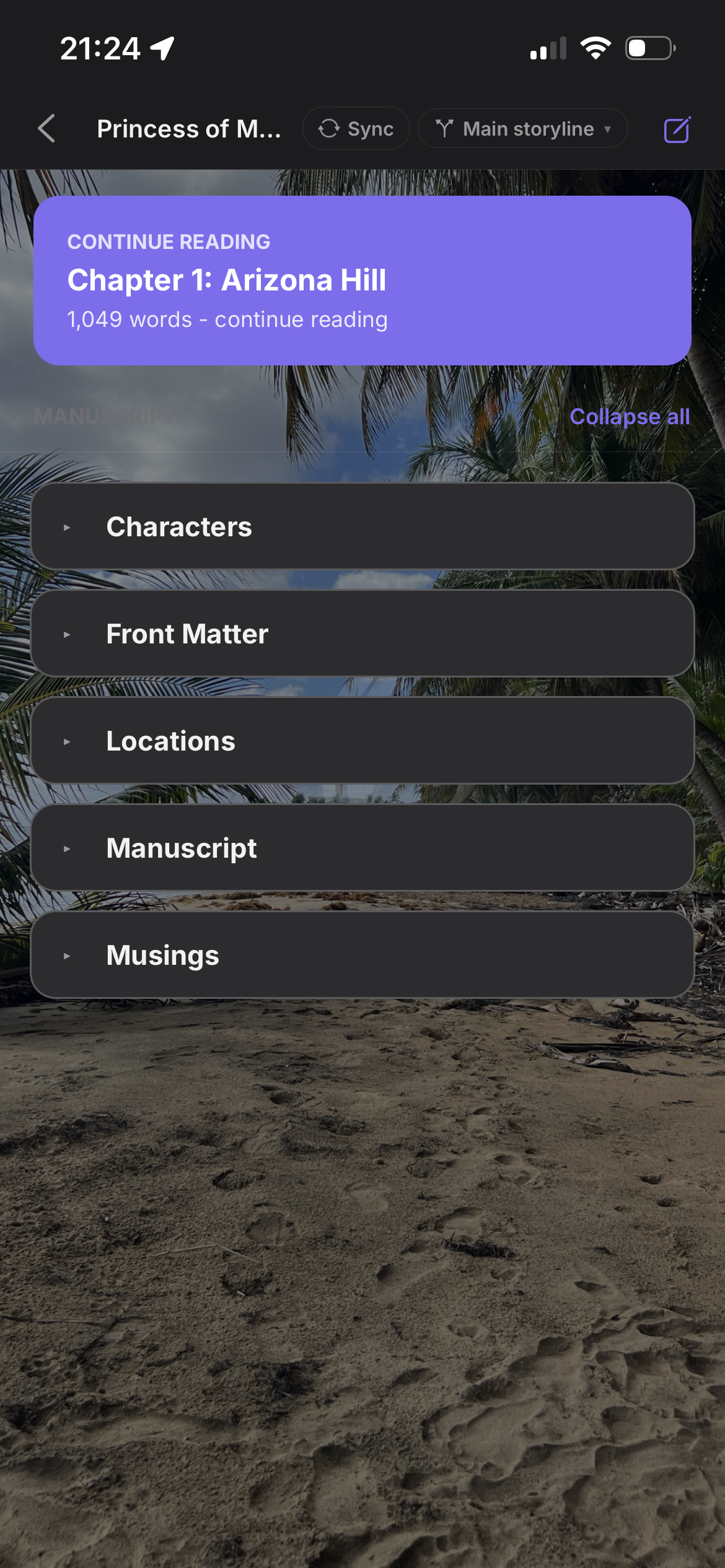
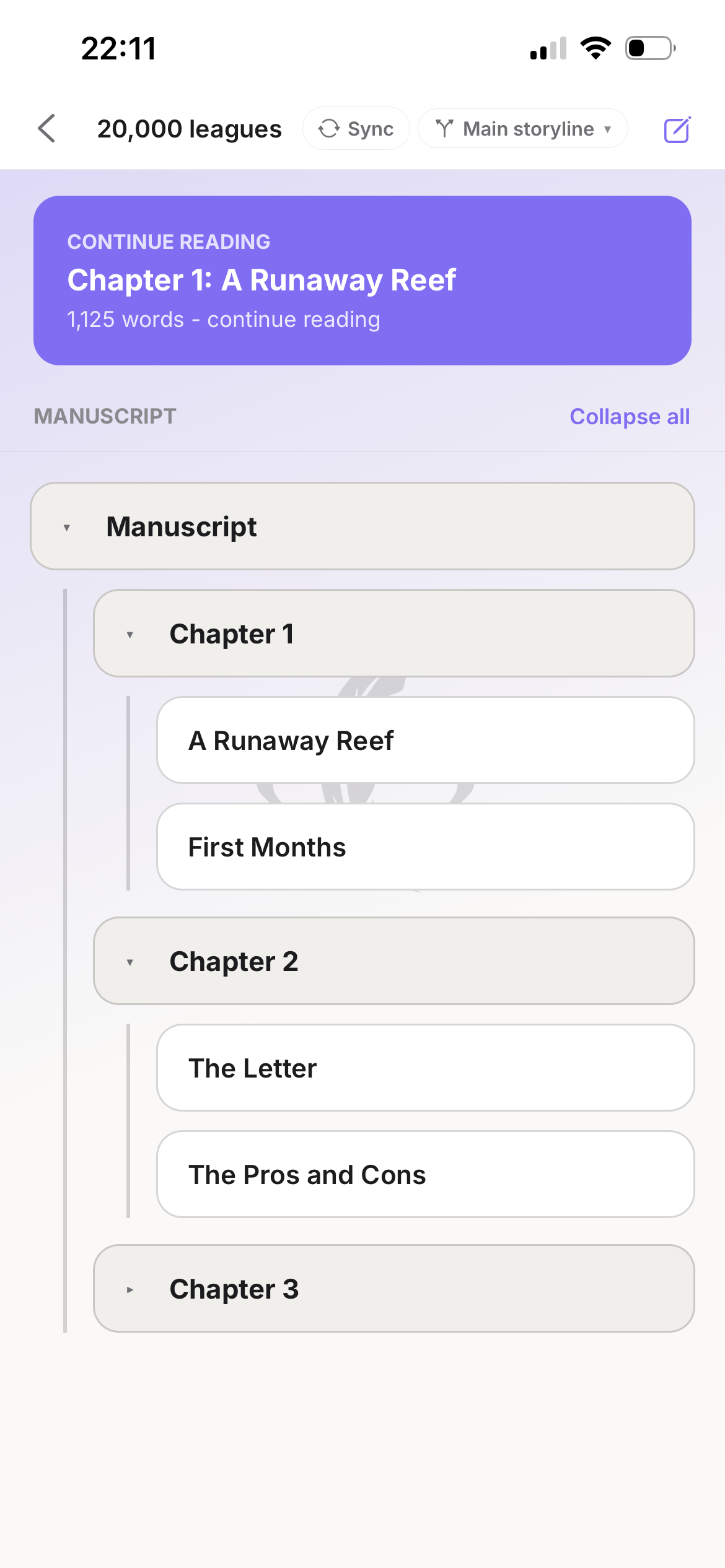
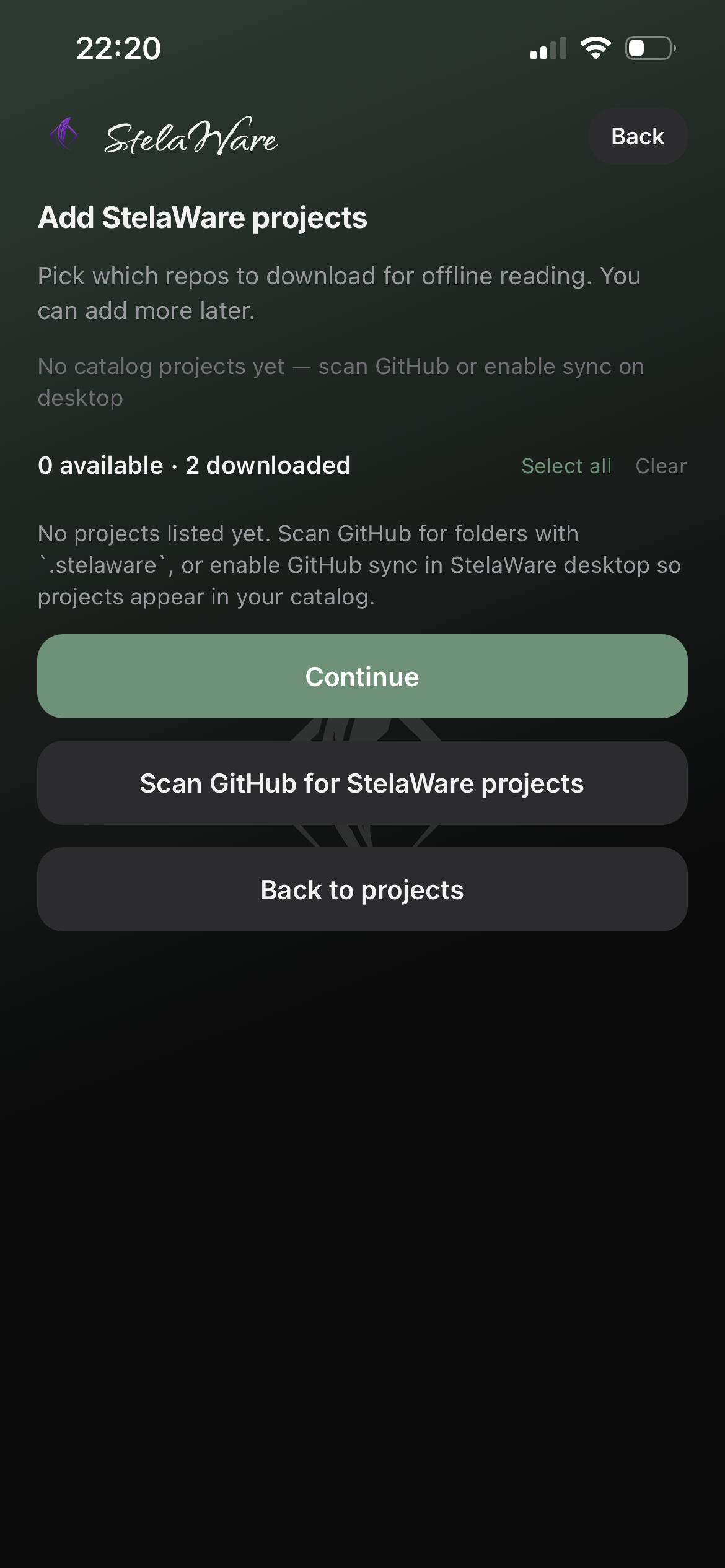
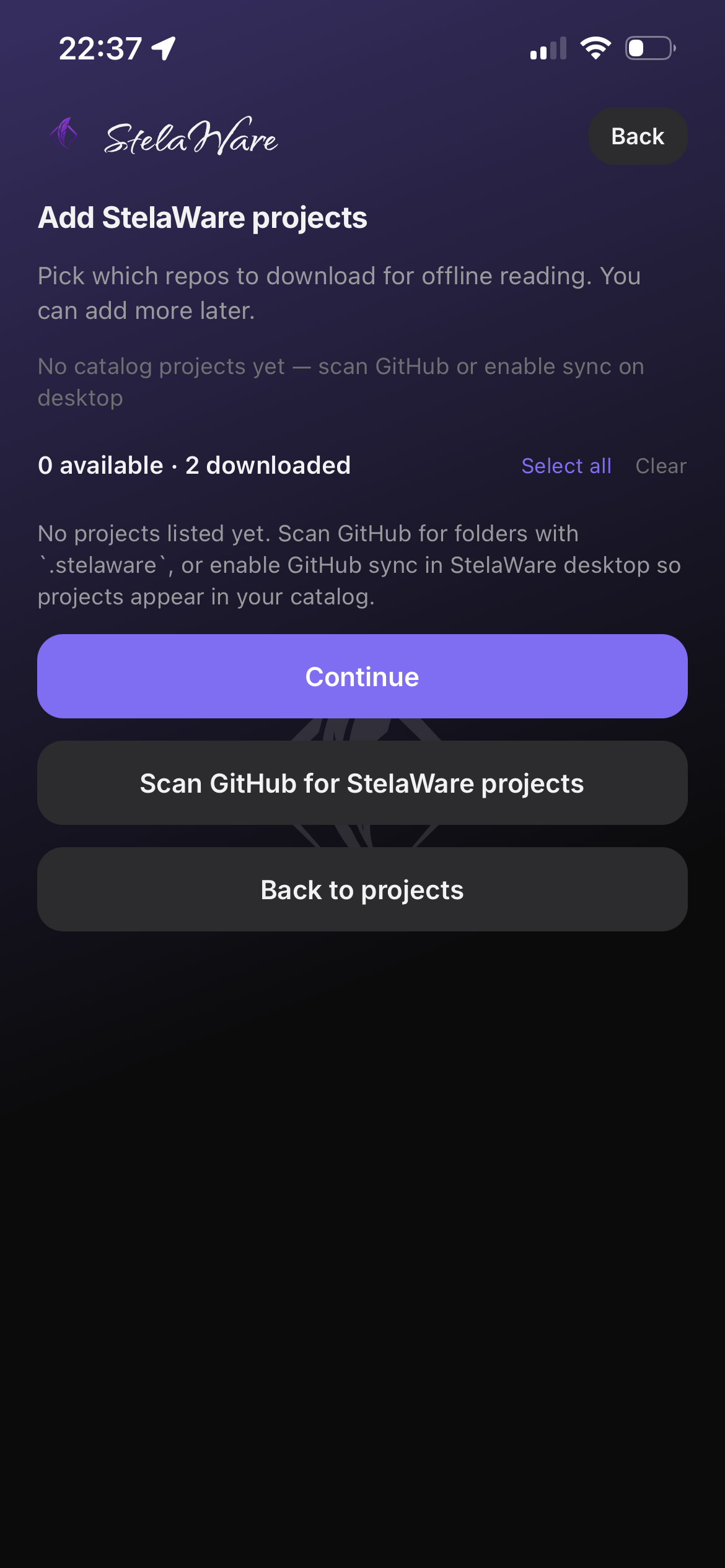
Open Companion and see the same projects you keep on the desktop. Browse the catalog, pick a manuscript, and pick up reading without cloning the whole repo onto your phone.
Custom shade backgrounds keep the home screen calm and personal — optional photo backgrounds stay on device.
Project
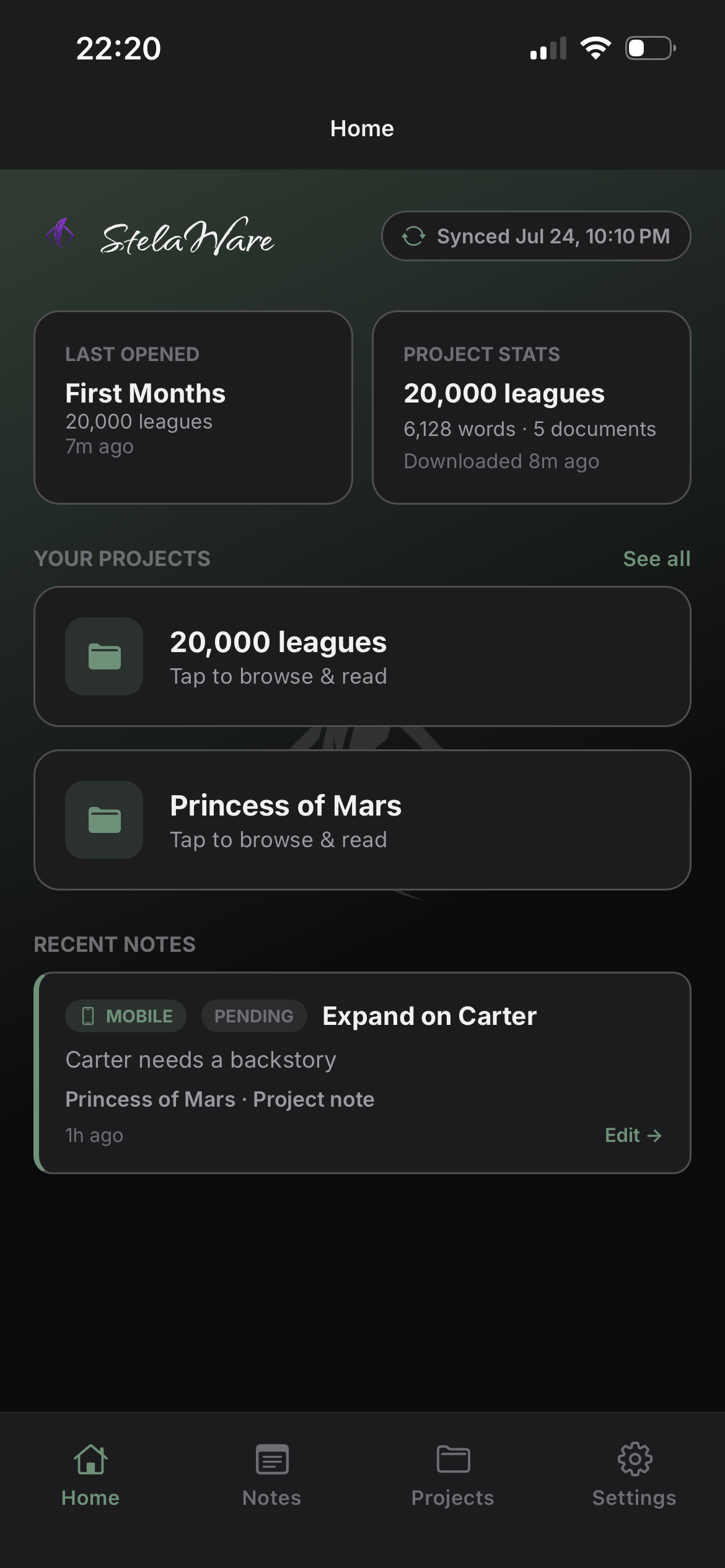
One project view, same source of truth
Inside a project you get the structure you already know from the desk — chapters, notes, and capture tools — without turning the phone into a second editor.
Companion is a window into the manuscript, not a competing draft.
Reader
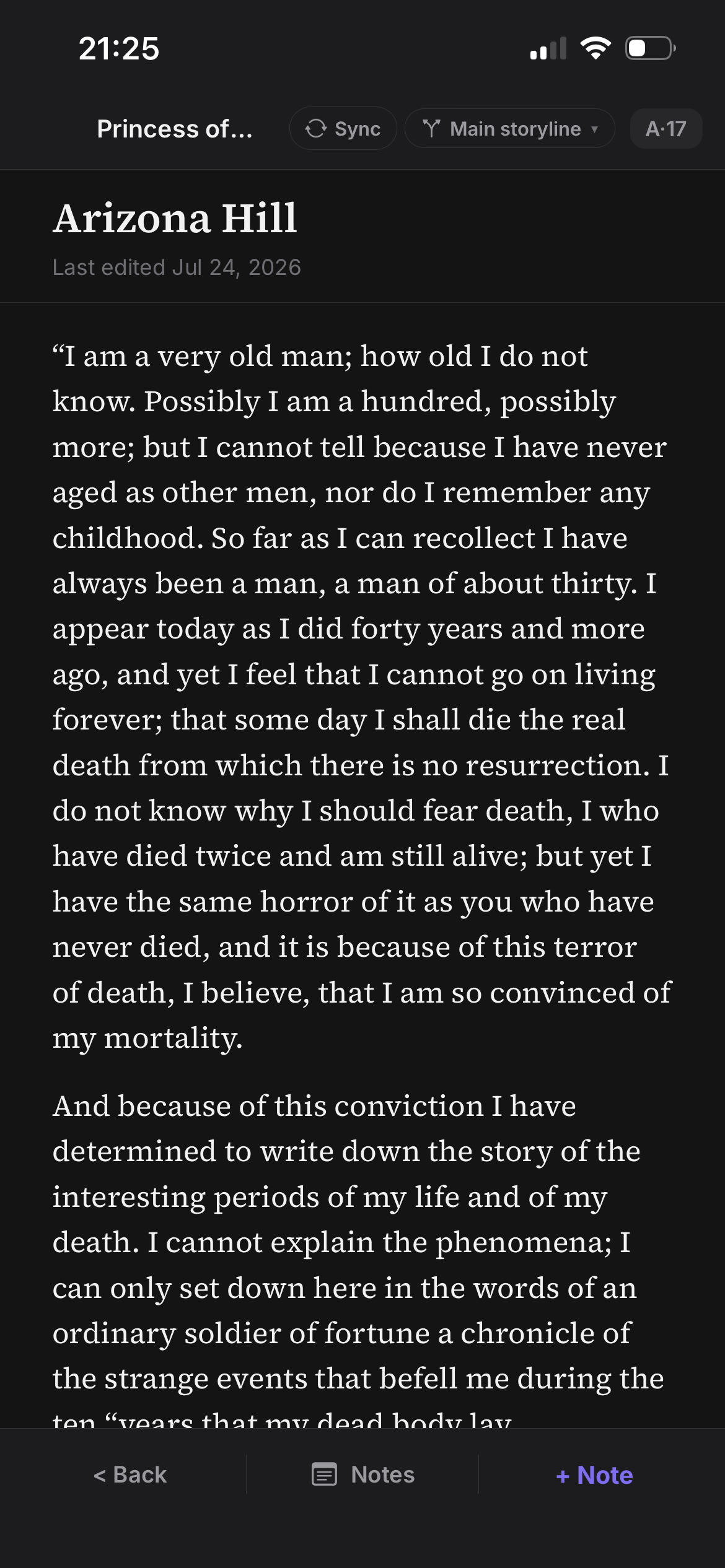
Read the manuscript anywhere
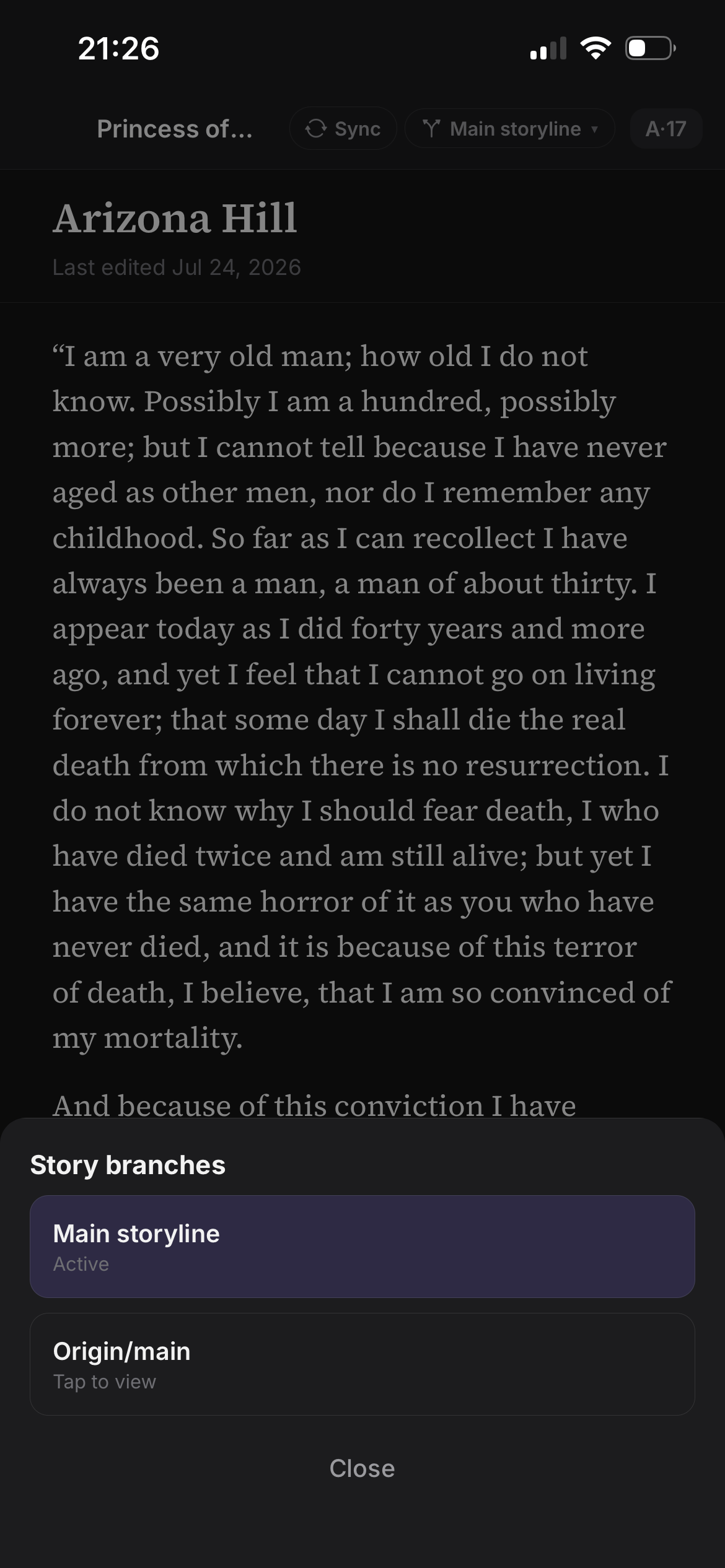
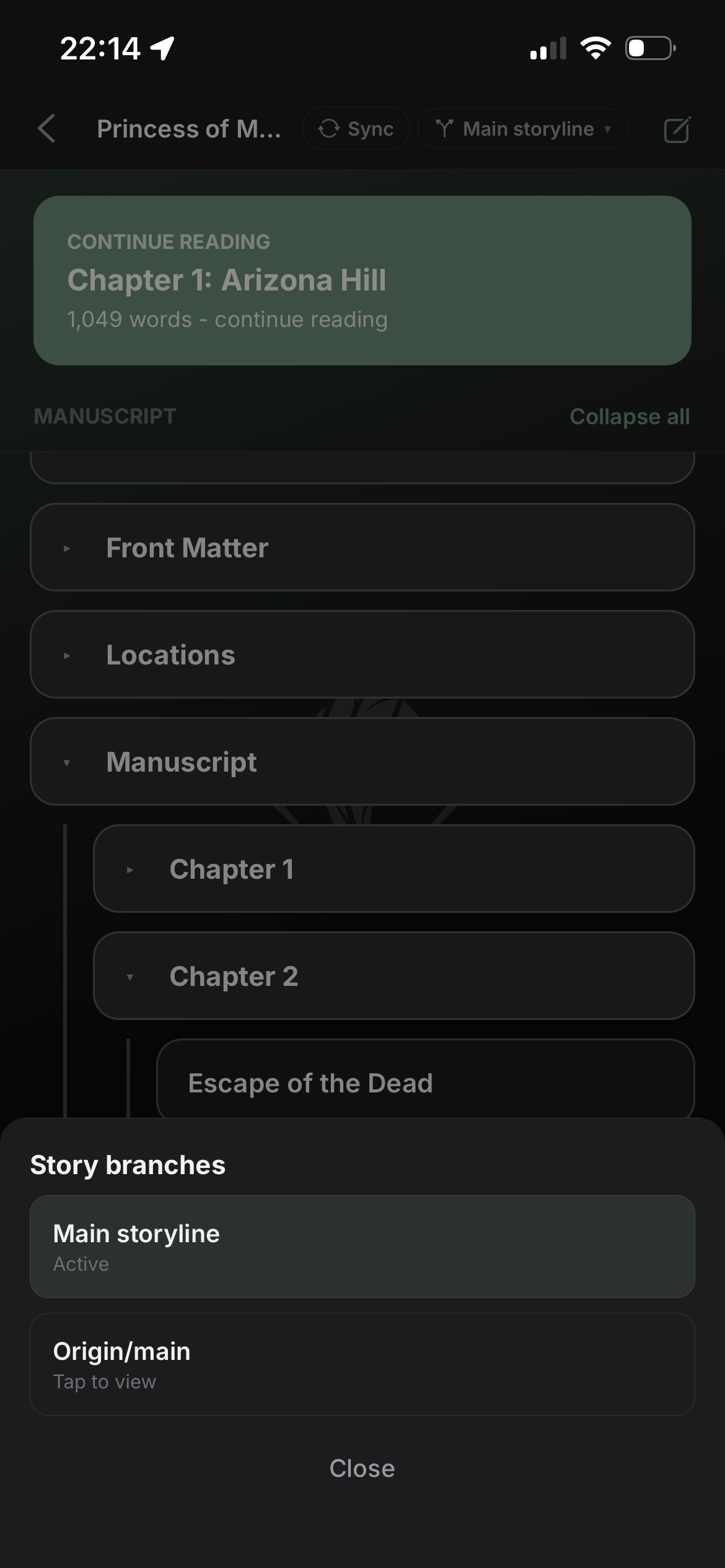
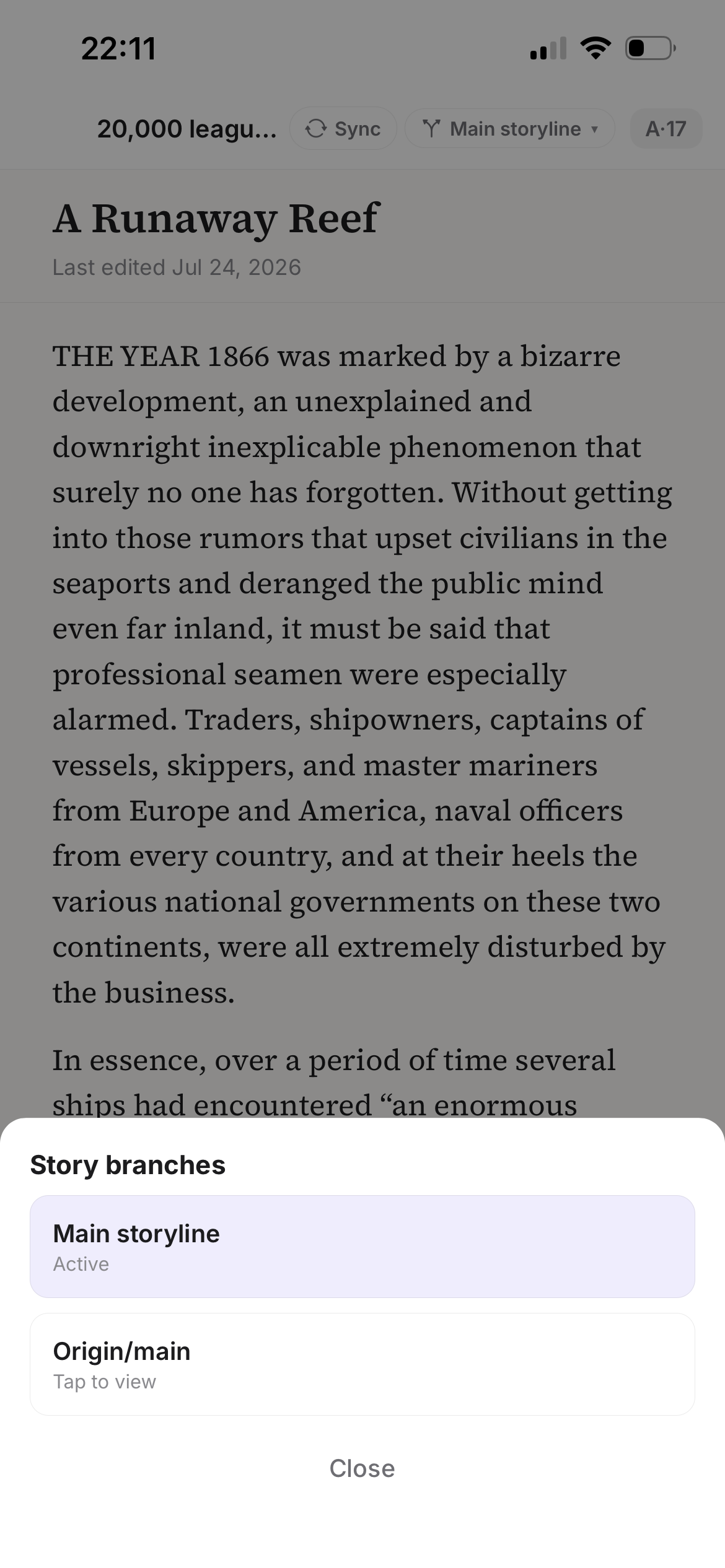
Open a chapter and read in a clean, full-screen reader. Dark mode keeps late-night passes easy on the eyes. Switch branches when you need to check another draft line.

Branches
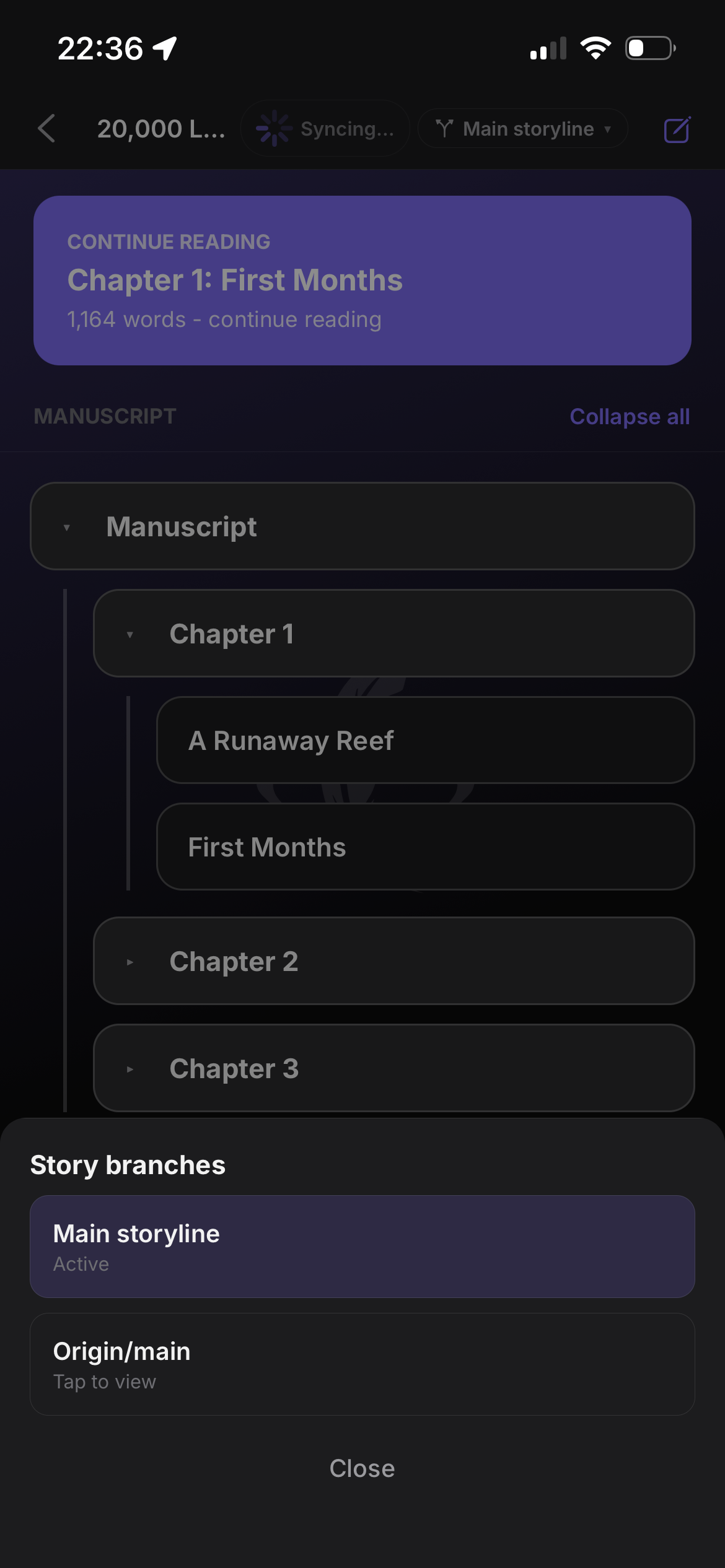
Check another draft line on the go
Your Git branches travel with the project. Peek at an alternate draft from the phone, then keep writing for real back on the desktop.
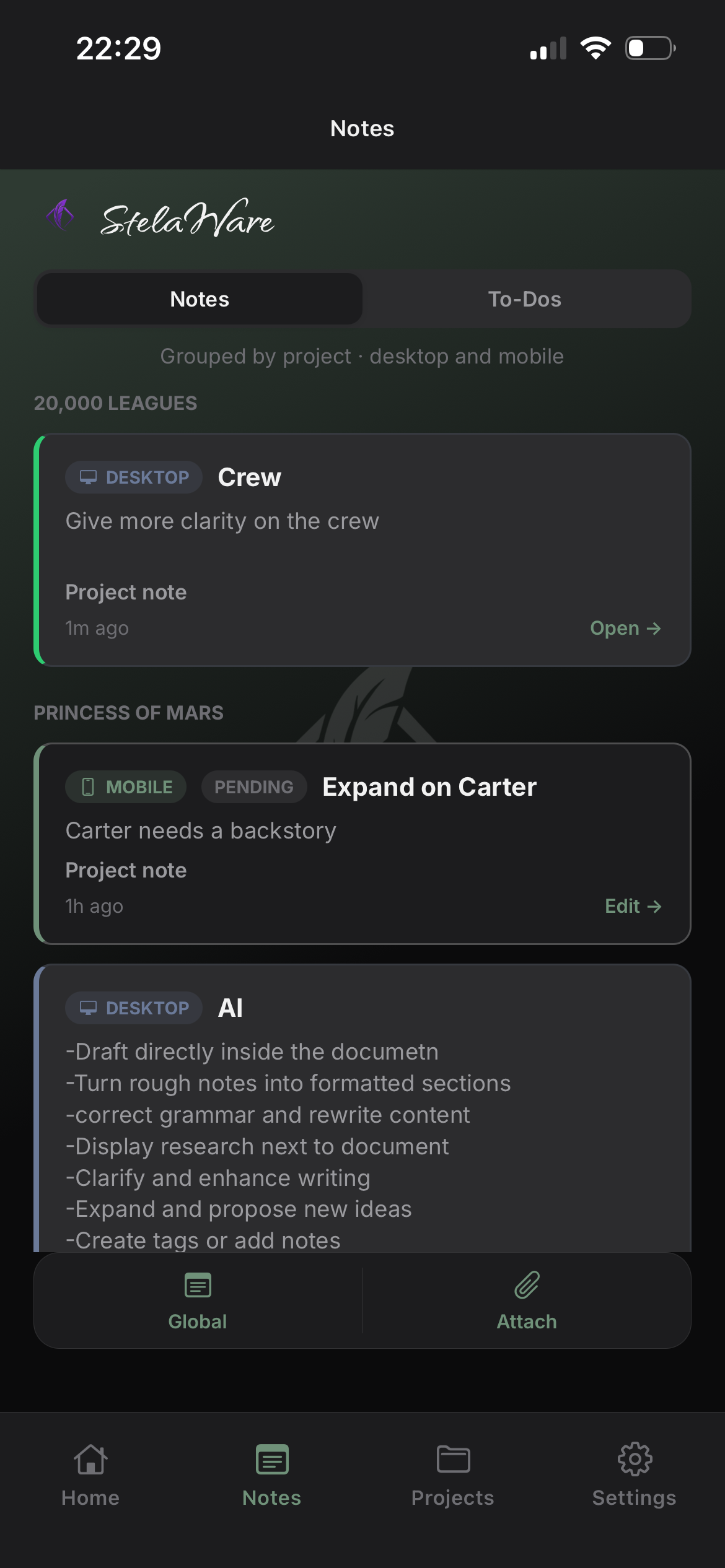
Notes
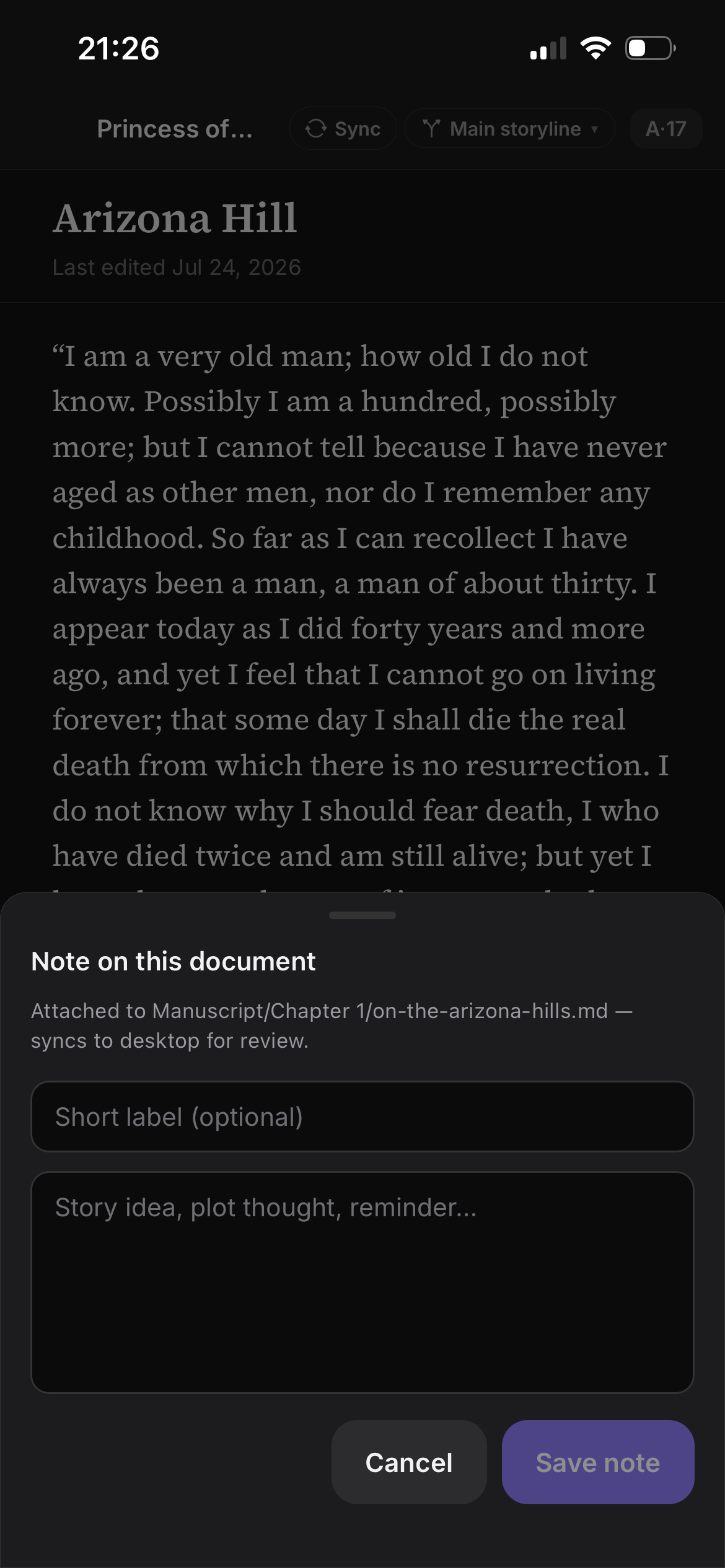
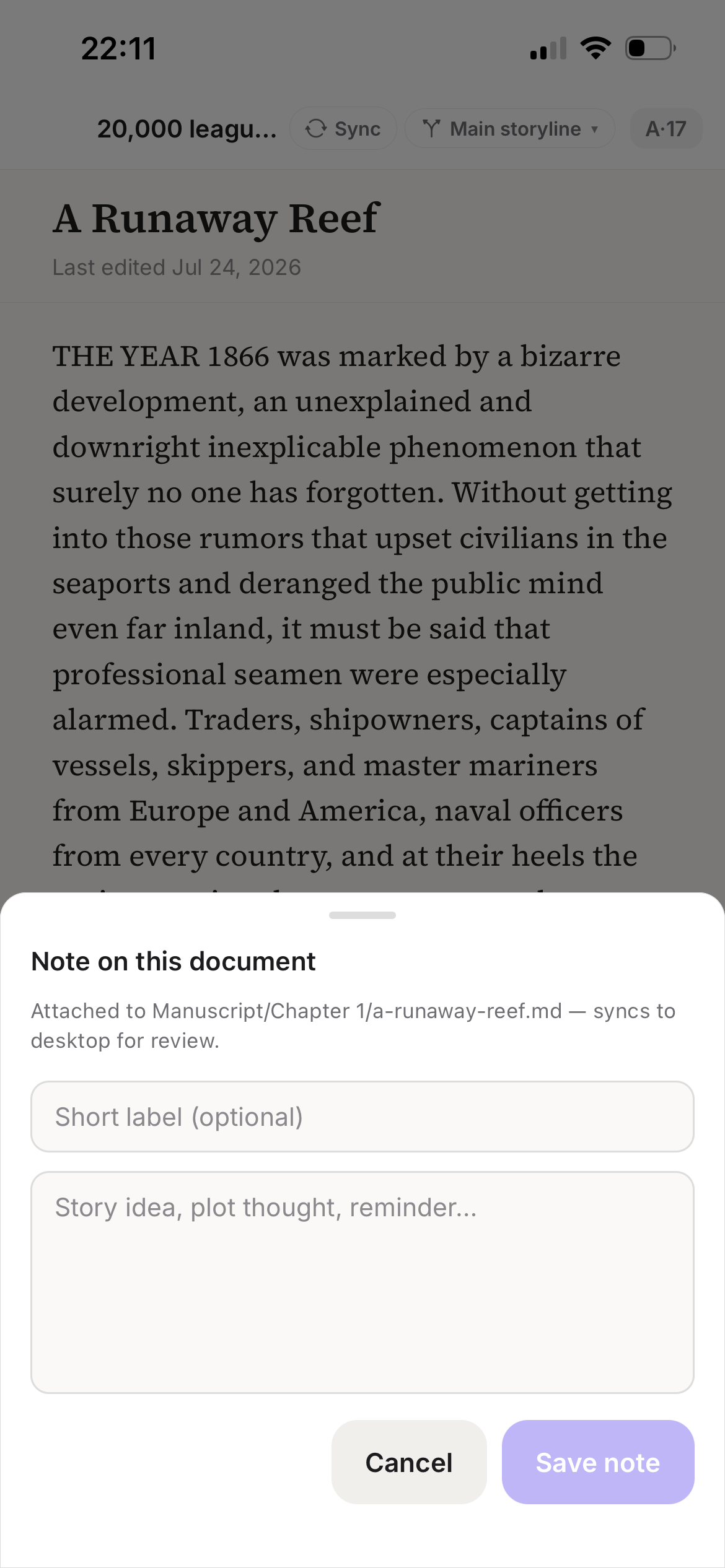
Capture the idea before it leaves
Plot twist on the train. Line of dialogue in a waiting room. Drop it into Companion and find it waiting in the right place when you open StelaWare on the desk.
Notes sync through your own Git host. Companion does not rewrite your manuscript document files.
To-dos
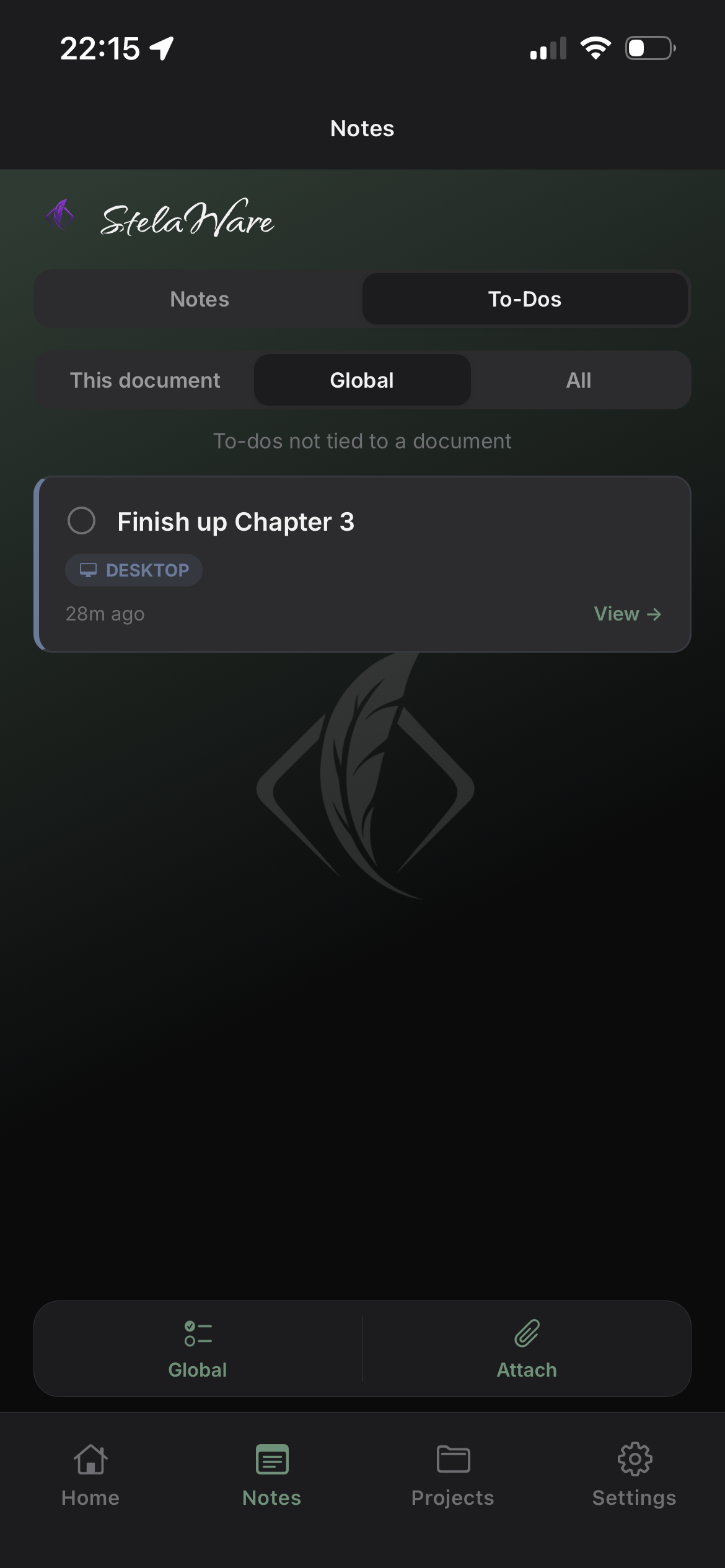
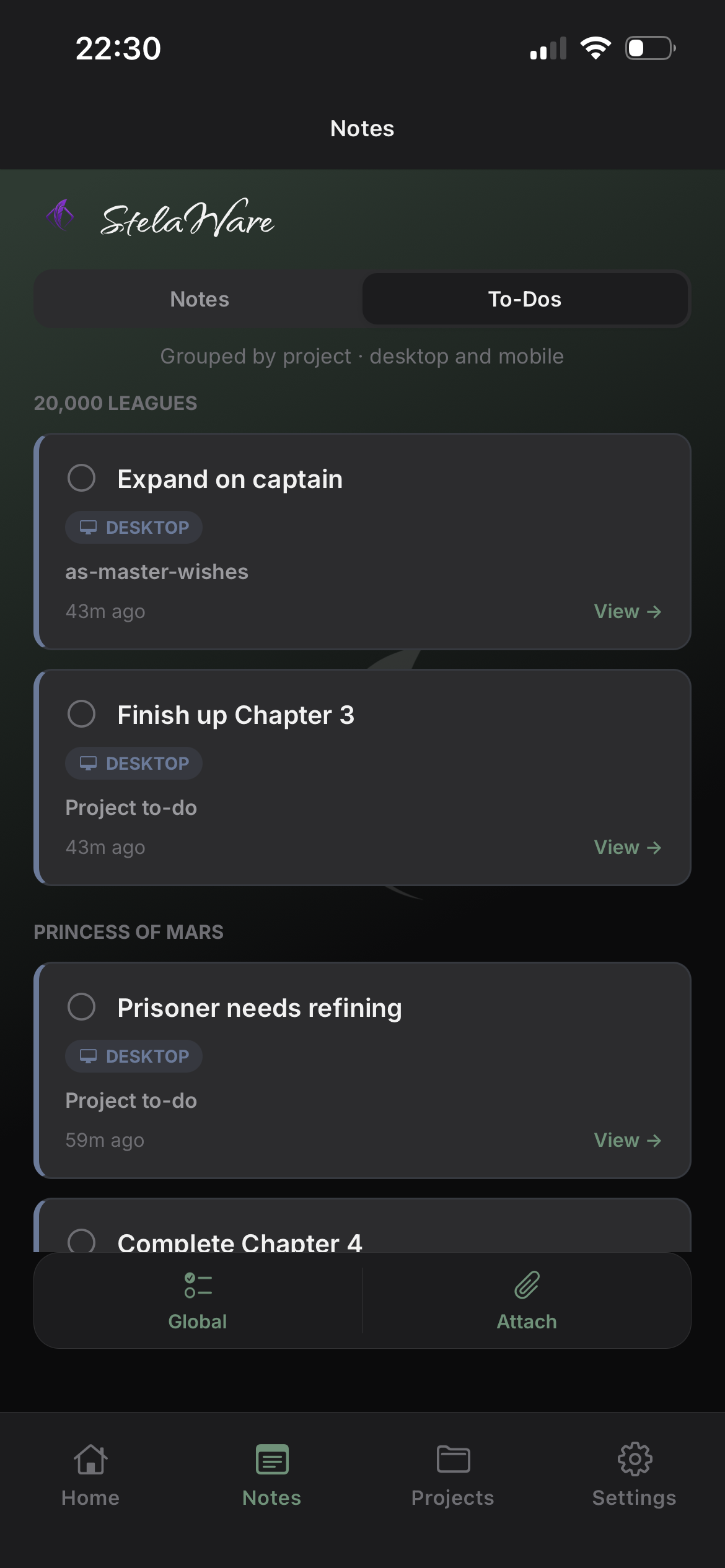
Keep the next task with you
Check project to-dos from the phone when you are away from the desk. Review what is waiting, then knock it out when you are back in StelaWare.
Import & sync
Link once from the desk, read on the phone
Set up Companion sync from the Mobile tab in StelaWare — same window as Chat, Document, To-Do, Tags, and Notes. Your phone then reads and captures against the identical files the desktop already tracks.
Sync uses your Git host (typically GitHub). Tokens stay in the device secure store.
Settings
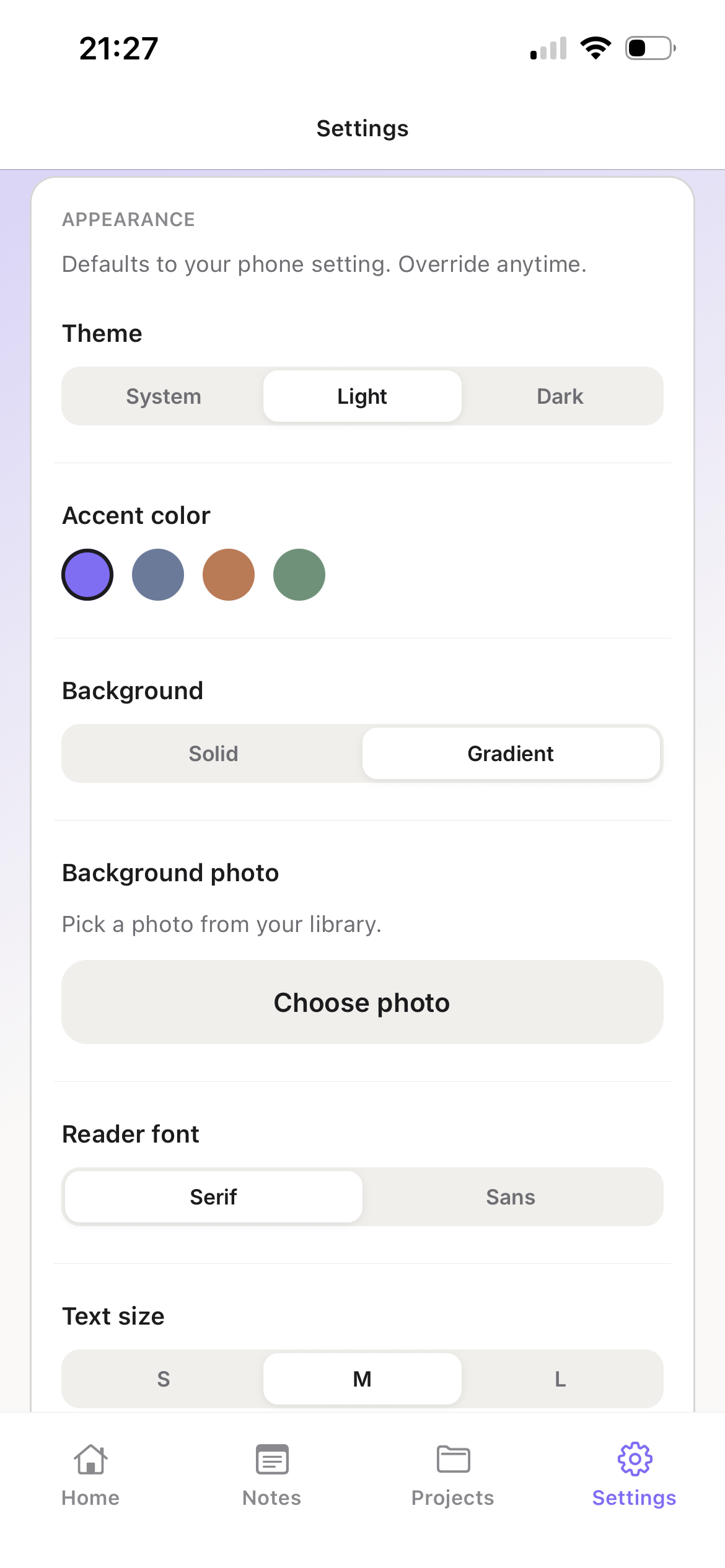
Account, appearance, and control
Sign in with Apple, Google, GitHub, or email. Adjust appearance, manage linked projects, and delete your Companion account from Settings when you want a clean exit.
Manuscript files stay on your devices and in your own Git host. We do not host your manuscript on StelaWare servers.
Coming soon to your pocket
Companion for iOS and Android. Read and capture on the go. Write on the desk.
Need the desktop app first? Download StelaWare. Read the Privacy Policy and Terms of Use.